Never get locked out - you or your family.
LegacyApp is a mobile app that keeps your most important information organized in one place you actually keep up to date: accounts, policies, documents. You use it every day, and it's safe enough to hand to the people you choose if they ever need it.






Everything that matters, in one place you keep up to date.
Keep all your essential information in one organized place. Access it in seconds whenever you need it. Plus, your designated contact will receive everything if anything ever happens to you.
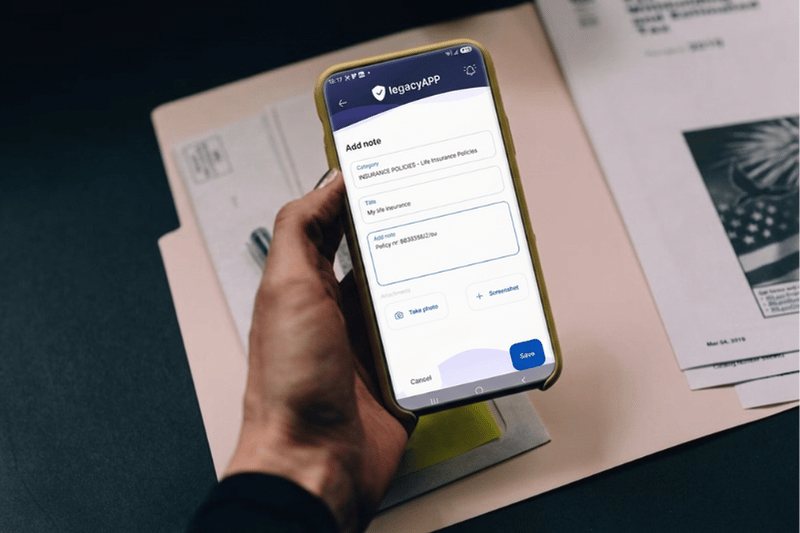
- Add any note as text, screenshot or photo, no limits
- Photos of IDs, passports and contracts in one vault
- Add the unusual stuff too - like API keys
- Works offline. Your phone is the source of truth
If anything happened to you, would your family find all this?
Today, heirs are often left in the dark because crucial information about an estate is hidden in an email inbox or various password-protected accounts of someone who has passed away.
LegacyApp solves this problem. It features a mechanism that, after we are gone, safely and automatically transfers all notes to a designated person.
Life insurance policies and other important documents
Cover your family could claim, and where the important paperwork lives.
Bank & investment accounts
Where the money is, and which accounts exist.
How to reach your accounts
Where to find what's needed to get into your important accounts.
Digital assets like API keys
How to find your keys, and where you stored the secrets safely.
How it works, in three steps.
Save what matters
Quick notes on your accounts, and services, plus details on where important documents are and how to find them. Add any note as text, a photo, or a screenshot. Everything in one place.
Use it just like a secure notepad
Keep your most important information in a secure, encrypted notepad - always at your fingertips. Plus, the app will occasionally check in to see how you're doing.
Build your digital legacy
Plus, you can leave important details here 'just in case.' If something happens to you, the app will automatically share all your notes with the person you choose.

A secure notepad for what you keep in your head: accounts, policies, documents. You use it every day, and your family receives it if you're ever gone.
Your data, your control.
Stored on your device
Your notes live on your phone, with an encrypted backup in your own Google Drive or iCloud. Never on our servers.
Bank-level encryption
Your notes are scrambled so that no one can read them, not even us. The standard is called AES-256.
You decide who
You choose the person who receives your information, and exactly when it reaches them.
Supervised by a law firm
GDPR compliant, overseen by an external data and technology law firm.
What people actually keep in it.
I'm constantly looking for information: the PIN for a rented apartment, my bank login. Now I have everything right at my fingertips. Brilliant!
When I broke my leg skiing, I found the insurance company's emergency number in five seconds.
My bank logins, two insurance policies and the safe code live here. My wife knows where to look now.
In LegacyApp I keep a note of where my API key are - they're worth a lot, and if something happened to me, my family needs to be able to find them.
Questions people ask.
How does LegacyApp protect my data?
Your notes are stored on your phone and backed up, encrypted (AES-256, the same standard banks use), to your own Google Drive or iCloud. They are never stored on our servers, and only you can read them while you are well.
How are my notes passed to the person you choose?
LegacyApp checks in with you periodically. If you stop responding and your Trusted Friends confirm something has happened, the person you chose receives secure access to the information you decided to share.
How can that person access my notes without my PIN?
Recovery uses a combination of your encrypted backup, the person you chose, and your Trusted Friends (optional), so access is possible without you having to share your PIN with anyone.
What kind of notes should I include?
Bank and investment accounts, insurance policies, where to find your important documents, crypto and digital assets, and anything only you know that someone else would need.
Is LegacyApp free?
Yes. The Free plan covers your most important notes with no time limit and no credit card. Premium adds extras like multiple beneficiaries, SMS alerts and priority support for people who want more.
Still wondering something? Visit the Help Center.
Latest guides and updates.
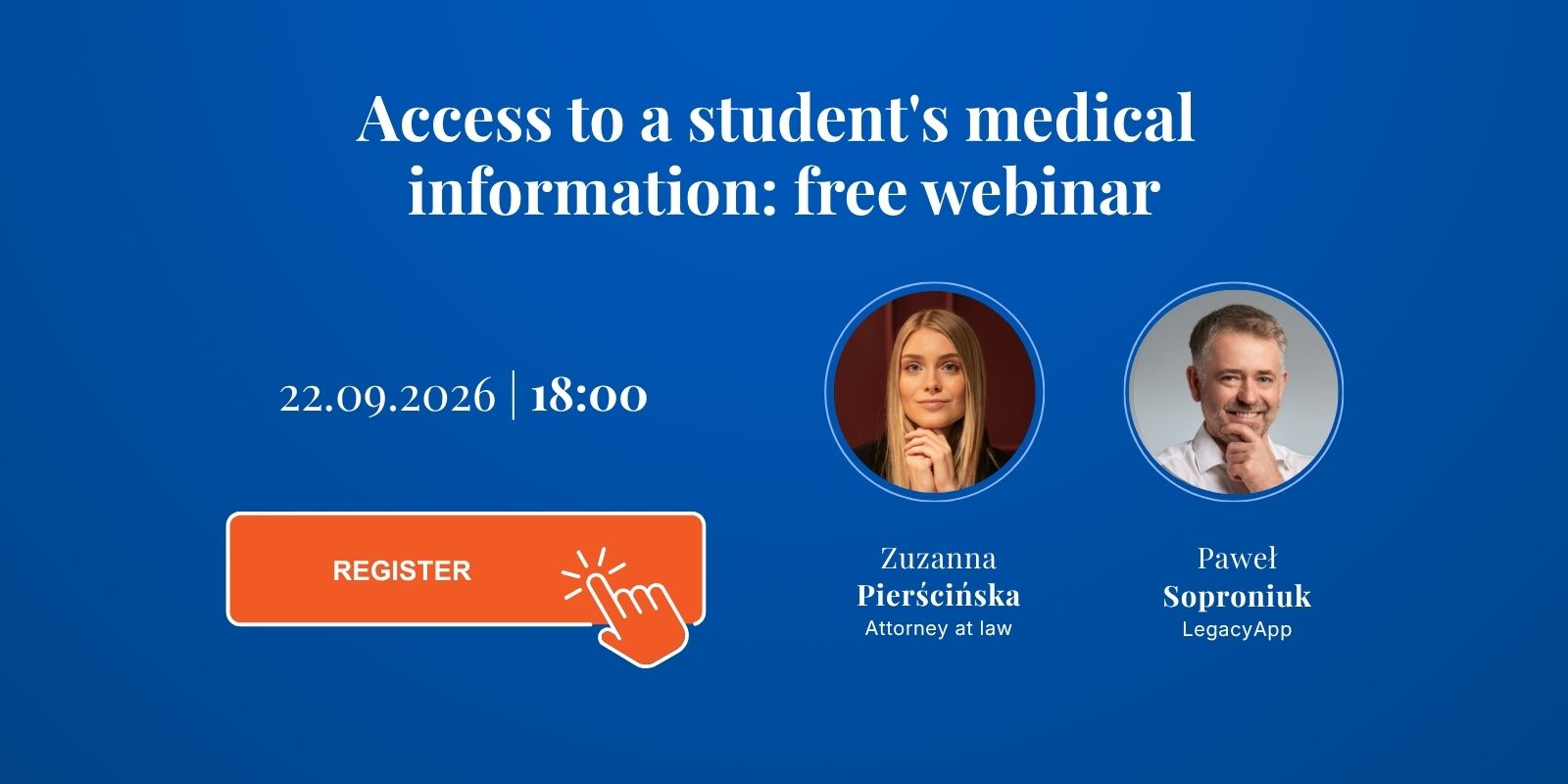
Access to a student's medical information: free webinar (Polish)
Once a child turns 18, the hospital tells the parent nothing without written authorisation. On 22 September we show how to write one at home, no notary needed.

Is your child leaving for university? Don't forget medical authorisation
Once your child becomes an adult, family ties may not give you access to their medical information. The right documents depend on the country.
In case I die binder: what it covers and what it misses
A binder helps your family find what you left, but it ages, it can be missed, and anyone who opens it reads everything. Here is how to close those gaps.

Set it up once. It's there if it's ever needed.
An encrypted, secure notepad on your phone, with the option to pass your notes to your loved ones when they need them most. Setup takes just a moment. Download it and use it for free, no strings attached.