
How does the Trusted Friends function work?
What do Trusted Friends do?
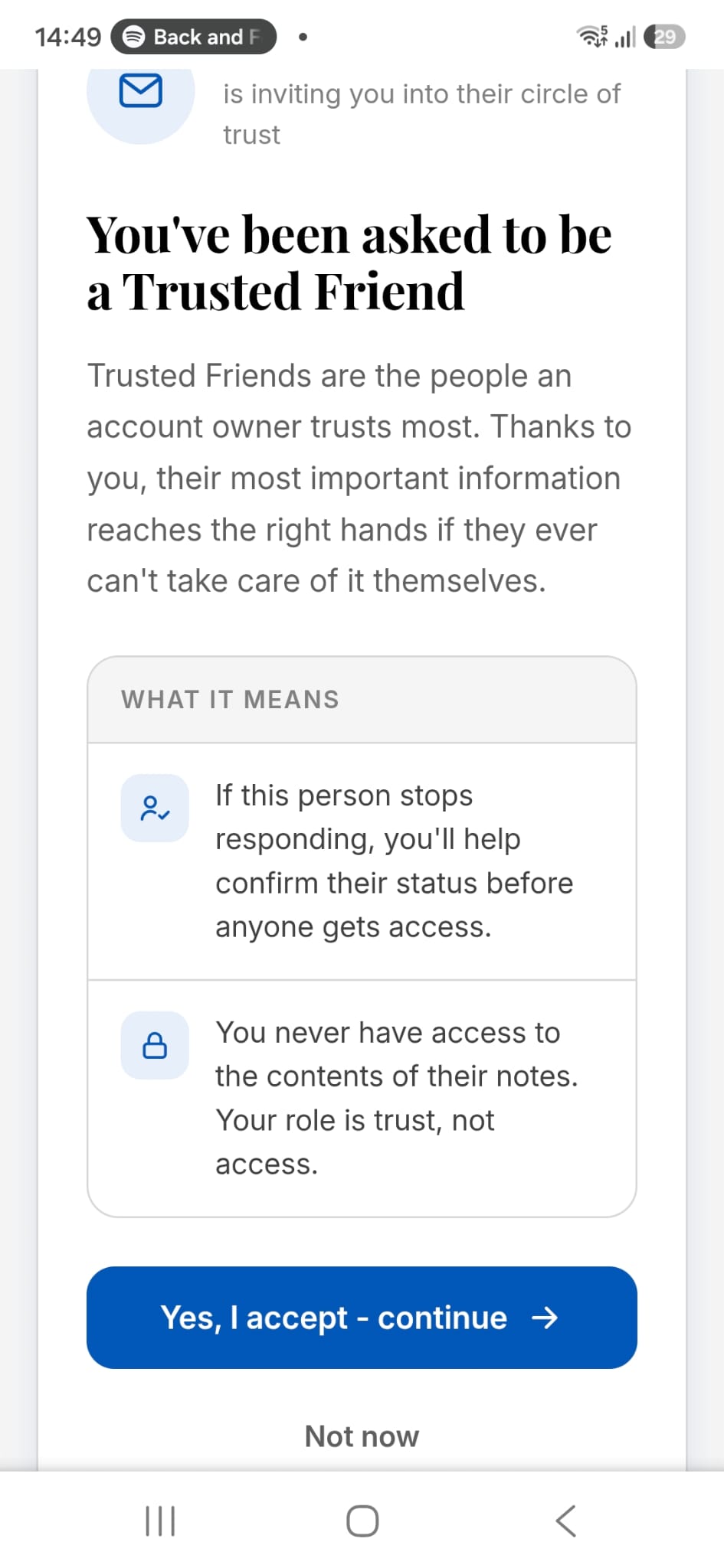
Trusted Friends is an optional, free safeguard. They're people you invite to confirm, if it's ever needed, that something has really happened to you - before your notes are passed to your Recipient (we call them "Beneficiary" in the app).
When you stop responding to LegacyApp's "Are you OK?" check-ins, we ask your Trusted Friends whether something has happened. If just one of them answers "NO", the process of passing your notes to your Recipient begins. The feature is free, and you can turn it on or off any time. To work, your list must include at least one confirmed Trusted Friend.
How it works in practice: Adam's story
Meet a LegacyApp user named Adam. Adam chose two Trusted Friends: his sister and a friend from university. Both accepted the invitation and provided the emails or phone numbers where they can be reached.
Adam leads an active life and went skiing. Unfortunately there was an accident - another skier crashed into him, and Adam was taken to hospital unconscious. During the rescue, his phone went missing.
Adam spent several days in the emergency ward. During that time the app kept showing its usual "Are you OK?" notification, which he obviously couldn't respond to.
For his extreme-sports trip, just in case, Adam had changed the notification frequency from "once every two weeks" to "daily". So when he missed two notifications in a row (after two days), LegacyApp sent emails and SMS messages to both Trusted Friends, with a link to a page where they could confirm whether Adam was alright.
Adam's sister answered "YES" first, because she knew that although Adam was in a serious condition, the outlook was promising. Adam soon recovered and could confirm on his own that everything was OK.
Had things turned out differently, a "NO" from at least one person would have started the process of passing Adam's important data to his Recipient. You can read more about that in How are my notes passed to my Recipient?
Good to know
The Trusted Friends function is free, and you can turn it on or off whenever you like.
You can check your Trusted Friends list any time in the app: go to Settings and the Trusted Friends tab. A correctly set-up person is shown with a green field around their name.